

You’re staring at your dashboard. The numbers aren’t moving the way you expected. Maybe fees are creeping up, or a rival pool is consistently finding blocks faster than yours. It’s tempting to just pull the plug and point your hardware somewhere else, but switching mining pools isn’t as simple as changing a Wi-Fi password. If you do it wrong, you lose hours of potential earnings, leave unclaimed rewards behind, or worse, cause your rig to stall while you fiddle with settings.
Here’s the reality: most miners switch too late or too fast. They react to a bad week rather than analyzing long-term trends. Or they panic-switch during a network difficulty spike, only to realize their new pool has higher latency. This guide walks you through exactly how to move your operations safely, what technical steps matter, and how to avoid the classic pitfalls that eat into your margins.
Why You Should Care About Pool Selection
Before you touch any cables, ask yourself why you’re switching. Is it money? Stability? Support? Most pools offer similar raw computational power, so the differences lie in the fine print. Your choice directly impacts your cash flow volatility and net profit.
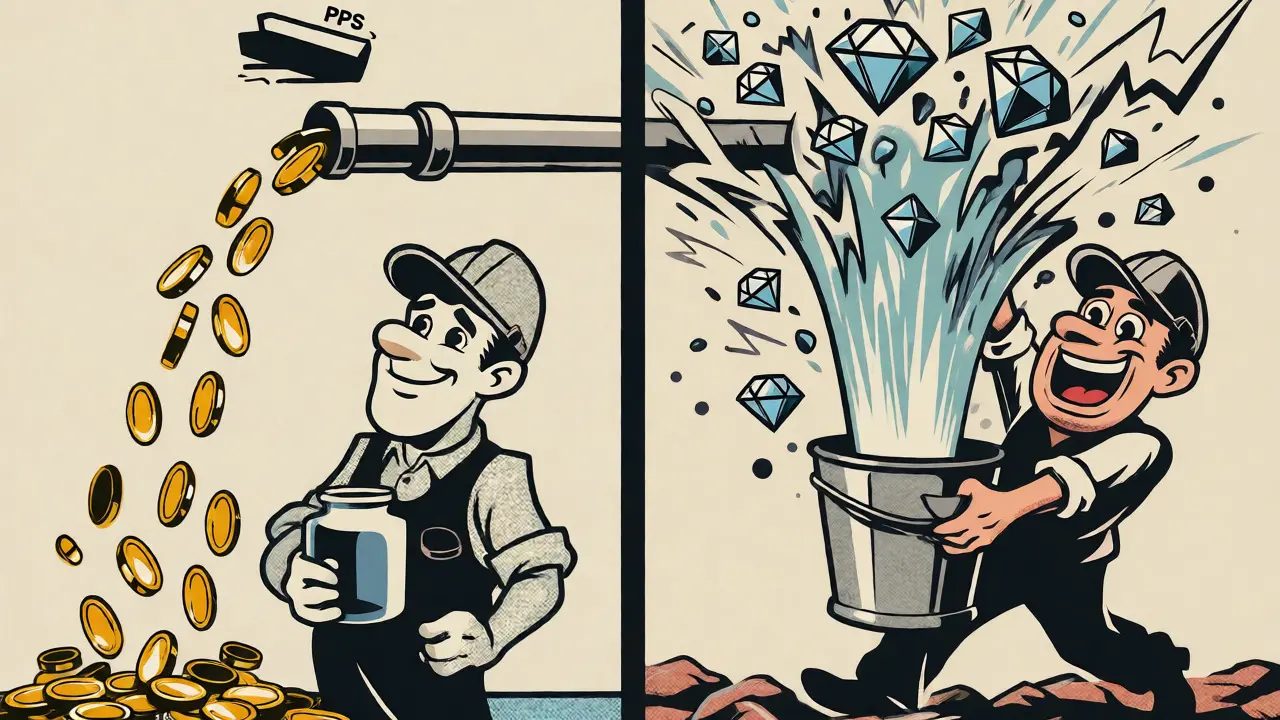
Consider the fee structure first. A 1% difference might sound negligible on paper, but over a year, that’s real money leaving your pocket. But don’t ignore payout methods either. PPS (Pay Per Share) pays you for every valid share you submit, regardless of whether the pool finds a block. It’s steady, predictable, and great if you hate variance. On the flip side, PPLNS (Pay Per Last N Shares) ties your earnings to actual blocks found. You might go days without a payout, but when a block hits, the reward is often larger because there are fewer fees deducted upfront.
If you’re running small rigs, PPS is usually safer. Large farms with high hash rates can handle the variance of PPLNS better because the law of large numbers smooths out the gaps. Don’t let a marketing team tell you one is universally "better." It depends entirely on your risk tolerance and operational scale.
The Technical Checklist Before You Switch
Don’t start typing IP addresses yet. First, check your current standing. Many pools have a minimum payout threshold. If you’re sitting at $0.45 and the threshold is $0.50, switching now means walking away from that forty-five cents unless the pool allows manual withdrawals. Some modern pools make this easy; others hold funds until the next cycle.
- Verify Pending Rewards: Log into your current pool account. Can you withdraw immediately? If not, wait until you hit the threshold or request a manual payout if supported.
- Check Hardware Compatibility: Not all mining software supports every algorithm or pool protocol seamlessly. Ensure your miner firmware is updated. Old firmware might lack support for newer Stratum proxy features used by top-tier pools.
- Note Down Credentials: Write down your worker name, password, and wallet address for the new pool before you disconnect from the old one. Typing these under pressure leads to typos, which lead to lost shares.
Also, look at server location. Latency matters more than you think. If you’re in Halifax, Canada, and your pool’s primary server is in Singapore, you might see higher stale share rates due to packet loss and delay. Stale shares are work you did that the pool rejected because it arrived too late. That’s wasted electricity. Choose a pool with servers geographically close to your rig, or use a relay service if available.
How to Configure Your Miner for the New Pool
For most ASIC miners like Antminers or Whatsminers, the process happens via the web interface. Access your miner’s IP address in a browser. Navigate to the "Miner Configuration" tab. Here’s where precision counts.
| Parameter | Description | Typical Example |
|---|---|---|
| URL/Host | The domain name or IP of the pool server. | stratum+tcp://pool.example.com |
| Port | The specific port for your algorithm. | 3333 (Standard), 4444 (High Diff) |
| Worker Name | Identifies your specific device/account. | MyRig01.worker1 |
| Password | Often arbitrary, sometimes 'x' or 'password'. | x |
Enter the details carefully. If your miner supports multiple pool entries, set the new pool as Primary and keep the old one as Secondary initially. This acts as a failover. If the new connection drops, your miner automatically reverts to the old pool, ensuring you never stop earning. Once you’ve confirmed stability for 24-48 hours, you can remove the secondary entry to free up resources.
For GPU miners using software like T-Rex or PhoenixMiner, you’ll edit the batch file (.bat) or config file. Replace the old pool URL and credentials with the new ones. Save the file and restart the miner. Watch the console output closely. You want to see "Authorized" or "Accepted" messages quickly. If you see "Rejected" or "Stale," double-check your worker name format-some pools require specific naming conventions.
Monitoring Performance Post-Switch
You’ve switched. Now what? Don’t just walk away. The first few hours are critical. Monitor three key metrics:
- Hash Rate Consistency: Does your reported hash rate match your theoretical capability? A sudden drop suggests thermal throttling or driver issues triggered by the new connection settings.
- Share Acceptance Rate: Aim for near 100%. Anything below 95% indicates network issues or incorrect difficulty targets. High rejection rates mean you’re paying for electricity but getting paid less.
- Latency/Ping: Check the response time between your miner and the pool. Lower is better. If it spikes above 200ms regularly, consider switching servers within the same pool or choosing a different provider.
Keep an eye on the pool’s status page too. Sometimes pools undergo maintenance or experience DDoS attacks. If your earnings dip unexpectedly, check if the pool itself had downtime. Reputable pools will compensate for significant outages, but smaller ones might not.

Advanced Strategy: Profit Switching vs. Manual Switching
Manual switching is fine if you’re committed to one coin. But what if Bitcoin’s price crashes and Altcoins become more profitable? Enter profit switching. Tools like Awesome Miner or NiceHash allow your hardware to jump between coins based on real-time profitability calculations.
This sounds ideal, but it comes with risks. Frequent switching can increase wear on components due to constant restarting. Also, tax implications get messy. Every time you switch coins, it’s technically a taxable event in many jurisdictions. Keep detailed logs if you go this route.
A middle ground is static multi-pool allocation. Instead of 100% to Pool A, you split 70% to Pool A and 30% to Pool B. This diversifies your risk. If Pool A has a bad month, Pool B cushions the blow. It requires more complex setup but offers smoother income streams.
Troubleshooting Common Migration Issues
Things go wrong. Here’s how to fix them fast:
- Zero Hashrate: Usually a typo in the worker name or password. Verify case sensitivity. Some pools treat "Worker1" and "worker1" differently.
- Frequent Disconnects: Could be firewall blocking the port. Ensure UDP/TCP ports required by the pool are open. Alternatively, try a different port provided by the pool (e.g., SSL ports).
- Missing Earnings: Did you forget to register the worker on the new pool’s website? Many pools require pre-registration before accepting shares. Check the pool’s FAQ.
If everything fails, revert to the previous configuration. Keep a backup of your old .conf files or screenshots of your old settings. Rolling back takes minutes and restores peace of mind.
Will I lose my pending rewards when I switch pools?
Not necessarily. Most pools allow you to keep your account active even after stopping mining. However, if you don't mine again, some pools may expire inactive accounts after a certain period (often 6-12 months). To be safe, withdraw any balance above the minimum threshold before switching, or ensure the new pool allows merging accounts if you plan to return later.
How often should I switch mining pools?
There is no fixed rule. Avoid emotional switching based on short-term fluctuations. Analyze performance over at least 2-4 weeks. Only switch if a pool consistently underperforms regarding fees, uptime, or payout reliability compared to alternatives. Constant switching increases administrative overhead and potential downtime.
Does server location really affect mining profitability?
Yes, indirectly. Server location affects latency, which influences the rate of stale shares. Higher latency means more shares arrive too late to be counted, effectively lowering your effective hash rate and thus your earnings. For most home miners, a difference of 50-100ms is negligible, but for large farms, minimizing geographic distance to the pool's stratum server can yield measurable gains.
Can I mine on two pools at once?
Yes, many advanced mining setups support splitting hashpower. You can configure your miner to send 50% of its power to Pool A and 50% to Pool B. This is useful for testing a new pool without fully committing or for diversifying risk across different payout schemes (e.g., half PPS, half PPLNS).
What is the biggest mistake people make when switching pools?
Failing to verify the worker registration on the new pool before starting the miner. If the worker isn't registered, the pool rejects all shares, and you waste electricity for hours or days before noticing zero earnings. Always register your worker on the pool's website first.
