
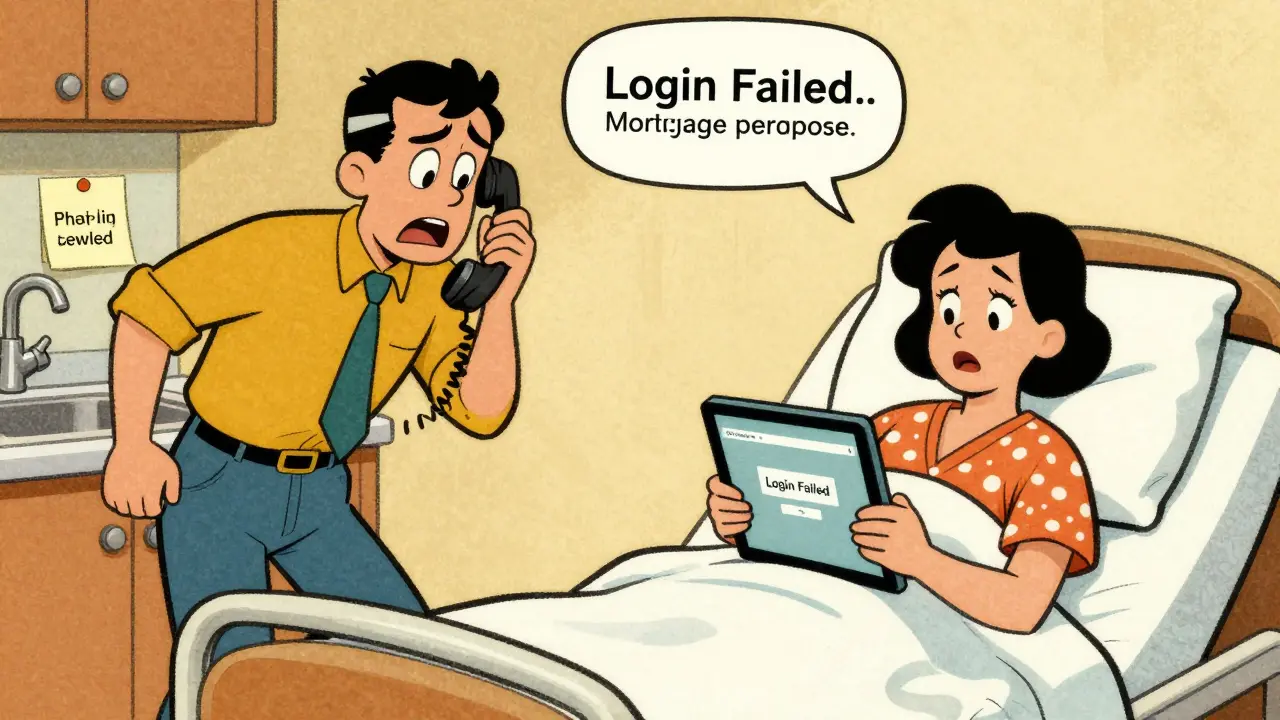
Picture this: you are at the airport, your phone is dead, and the house alarm just went off. Or maybe you are in a hospital bed recovering from surgery, and your spouse needs to log into the mortgage portal to verify a payment before the deadline. In these moments, the person who knows the password isn't there. If that login is written on a sticky note under the sink or buried in a shared text thread with your aunt's birthday, you have a problem.
We all manage a household that runs on invisible keys. The Wi-Fi password keeps everyone connected. The mortgage portal holds our financial stability. The pediatrician’s patient portal stores our children’s health records. When one partner travels for work, takes a weekend trip without service, or is simply overwhelmed by life, the other person often hits a wall because they cannot access these critical accounts. Sharing passwords via text message or email is convenient, but it leaves a permanent trail of sensitive data that anyone can intercept or recover later.
The Risk of Shared Notes and Text Messages
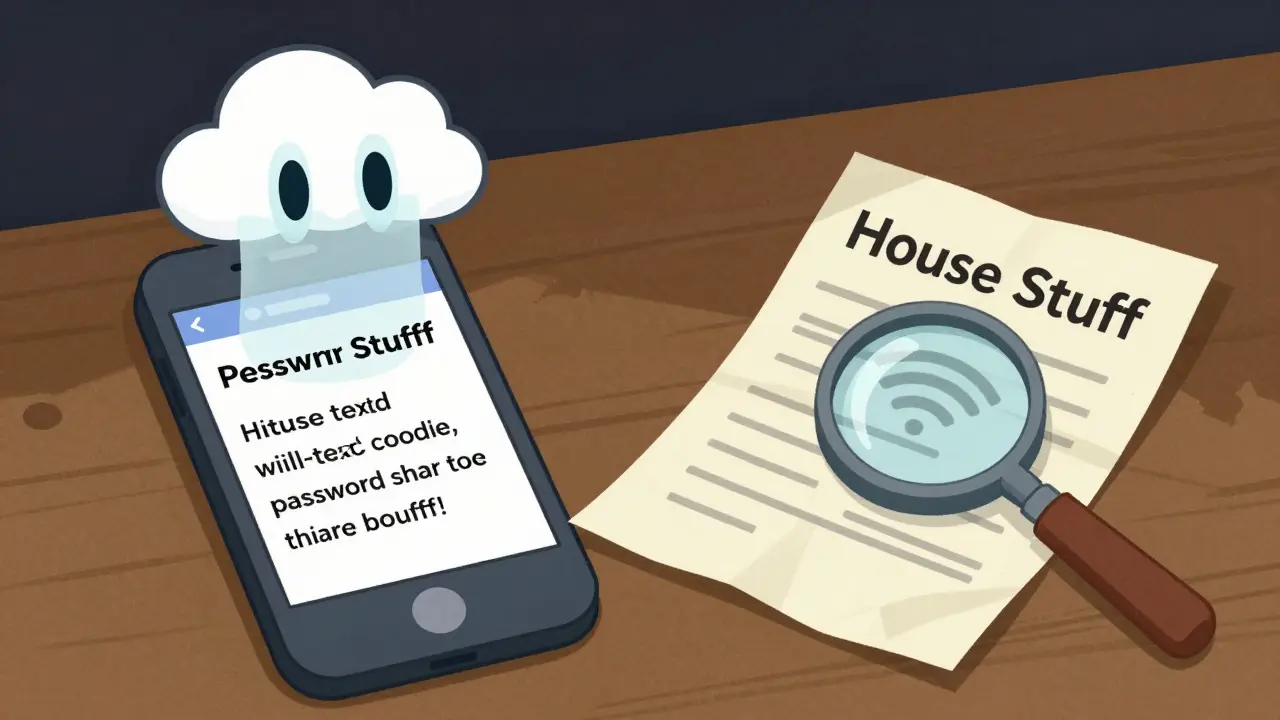
Most families handle credential sharing the same way: they write it down or send it over chat. You might create a shared document on your phone labeled "House Stuff" and type in the Wi-Fi code, the bank login, and the smart lock PIN. It works until it doesn’t. That document is usually stored on a cloud server controlled by a single company. If that company suffers a breach, or if someone gains physical access to your unlocked device, every secret in that file is exposed.
Texting passwords is even riskier. Once you send a password via SMS or WhatsApp, it exists on your phone, your partner’s phone, and potentially on backup servers forever. You cannot recall it once it is sent. If you change the password next month, the old one still sits in that chat history, waiting to be misused. This lack of control is why experts recommend moving away from informal sharing methods toward dedicated password storage solutions that offer encryption and revocable access.
How Conditional Access Solves the Problem
The solution lies in a system that grants access only when needed and to specific people. This concept is called conditional access continuity. Instead of handing over the keys permanently, you set rules for when those keys unlock. For example, you can grant your spouse access to the mortgage portal login only if you do not check in for seven days. Or you can give a babysitter temporary access to the Wi-Fi and alarm codes for the weekend, which expires automatically afterward.
This approach requires a secure environment where the credentials are encrypted before they leave your device. Vaulternal offers this capability through its family password sharing features. By using client-side AES-256 encryption, the data is scrambled on your phone or computer before it is uploaded. This means the service provider never sees your passwords. They only store the encrypted chunks. If you want to learn more about how this security model works, you can review their architecture page.
Why Decentralized Storage Matters for Families
Traditional password managers often rely on centralized servers. While convenient, this creates a single point of failure. If the company goes out of business or shuts down due to legal pressure, your data could become inaccessible. Vaulternal addresses this by using decentralized storage networks. Your encrypted files are split into pieces and distributed across Arweave for permanent storage, IPFS for peer-to-peer distribution, and Polygon for metadata anchoring.
This structure ensures that your family’s critical logins remain available regardless of what happens to the central platform. It is not about preparing for the end of the world; it is about ensuring reliability. When you need to share the pediatrician’s portal login with a grandparent who is watching the kids for a week, you need a system that works reliably, without depending on a single corporate server staying online. This robust infrastructure supports the idea of a true digital vault for household essentials.
Setting Up Your Household Credential Vault
To start securing your home’s digital backbone, you need to identify which accounts require shared access. Typically, these fall into three categories:
- Infrastructure: Wi-Fi passwords, smart home devices (thermostats, locks), and utility portals.
- Financial: Mortgage portals, joint bank accounts, and insurance dashboards.
- Healthcare: Pediatrician portals, pharmacy accounts, and emergency contact forms.
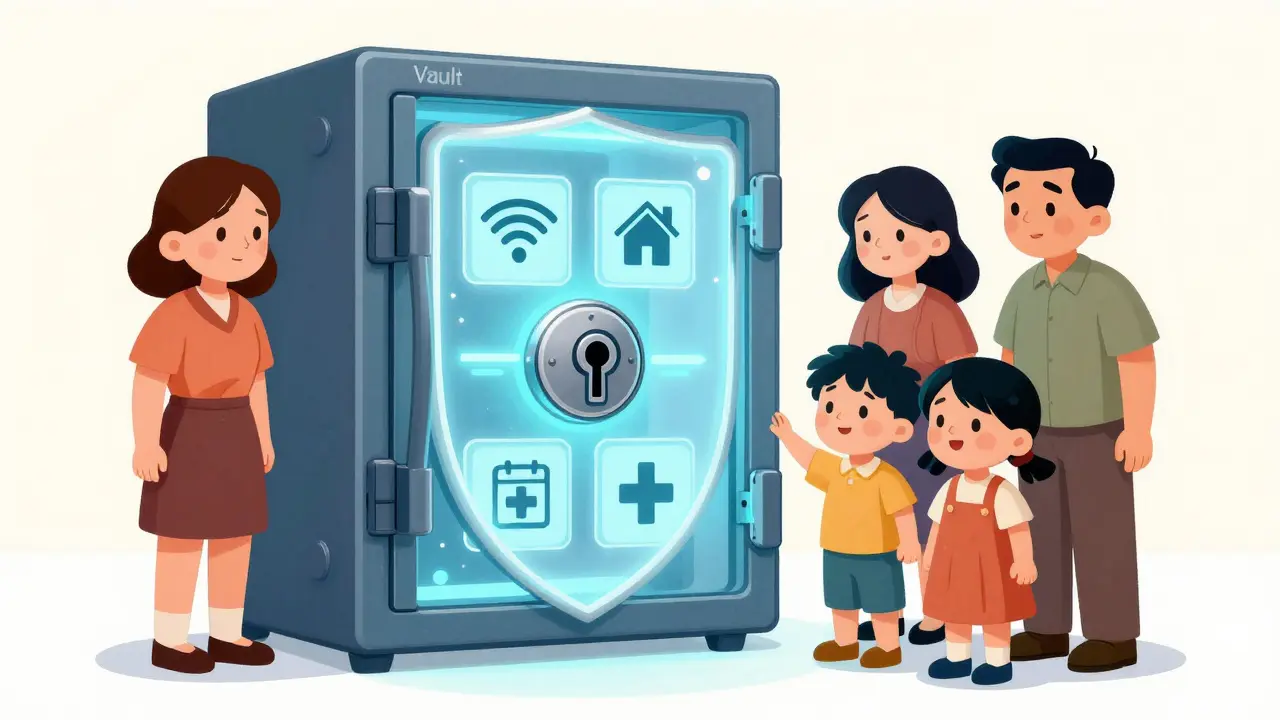
Once you have identified these accounts, you can store them in a secure vault. With Vaulternal, you can create separate entries for each login. You then assign recipients. For instance, your spouse gets access to the financial and infrastructure logs, while a trusted caregiver gets access to the healthcare and basic Wi-Fi info. Each recipient receives a unique key that allows them to decrypt only the items you specified. They do not see your entire vault, nor do they need technical expertise to use it.
Managing Triggers and Updates
The beauty of conditional access is that it remains flexible. Life changes, and so should your security settings. If you change your Wi-Fi password, you update it in the vault, and the new version is ready for your designated contacts. If your child grows up and no longer needs access to the baby monitor login, you can revoke their permission instantly. There is no need to delete old text messages or hope that no one saved the screenshot.
You can also adjust the triggers. Maybe you initially set a 7-day inactivity trigger for your spouse, but you realize that a 3-day window is more appropriate for your travel schedule. You can modify these conditions at any time before they activate. This level of control ensures that your household runs smoothly without compromising security. It transforms password management from a static chore into a dynamic tool for family preparedness.
Practical Steps for Immediate Implementation
If you are ready to move away from sticky notes and text threads, here is a simple plan to get started:
- Audit your current sharing methods: Check your messaging apps and notes for any passwords currently in plain text.
- Choose your primary recipient: Identify who needs access to which accounts in case you are temporarily unreachable.
- Select a secure platform: Look for tools that offer zero-knowledge encryption and decentralized storage, such as Vaulternal.
- Upload and encrypt: Enter your critical logins into the vault. Ensure they are encrypted on your device.
- Set conditional triggers: Define when and how recipients can access these credentials. Start with simple time-based or manual release options.
- Test the process: Ask your partner to try accessing a test credential to ensure they understand how to retrieve it.
By taking these steps, you eliminate the anxiety of being locked out of your own life’s essential systems. You provide peace of mind knowing that your family can handle emergencies, whether it is resetting a router during a storm or checking a medical record while you are away. This is not about paranoia; it is about practical resilience in a digital world.
Is it safe to store my mortgage login in a digital vault?
Yes, provided the vault uses strong encryption like AES-256 and a zero-knowledge architecture. This means the service provider cannot read your data. Storing it in a decentralized system adds an extra layer of reliability, ensuring the data remains accessible even if the central service faces issues.
What happens if I change my password after sharing it?
When you update the password in the vault, the new version replaces the old one. Your authorized recipients will receive the updated credential according to the access rules you set. Unlike text messages, the old password is not left lingering in a chat history.
Can I limit who sees which passwords?
Absolutely. Multi-recipient sharing allows you to grant different people access to different sets of credentials. For example, your spouse might see financial logins, while a babysitter only sees Wi-Fi and alarm codes. Each person gets a unique key for their specific permissions.
Do I need technical skills to use conditional access triggers?
No. Modern platforms like Vaulternal are designed for everyday users. You can set triggers based on simple criteria like time periods or inactivity without needing to understand the underlying cryptography or blockchain technology.
Why is decentralized storage better than a standard cloud drive?
Decentralized storage distributes your data across multiple networks (like Arweave and IPFS) rather than storing it on a single company's server. This reduces the risk of a single point of failure and enhances long-term accessibility and security for your critical household information.

John Doe
June 12, 2026 AT 15:16I remember the time my wife was stuck at the airport because her phone died and she couldn't access our smart lock codes to let the dog walker in. It was absolute chaos. We ended up calling a locksmith who charged us an arm and a leg just to open the front door while we were still on the tarmac. The stress was unreal. I never thought about writing it down until that moment, but then I realized how stupid it is to rely on memory for things like Wi-Fi or bank logins. This post hits home hard because it’s not just about convenience, it’s about not losing your mind when technology fails you at the worst possible second.
ravi mahla
June 12, 2026 AT 21:37Oh look, another tech bro trying to sell me a 'vault' because I can't be trusted with a sticky note. 🙄
Sonya O'Brien
June 13, 2026 AT 04:26I have to say that I really appreciate the detailed breakdown of why texting passwords is such a bad idea, especially considering how many people I know who still do it without a second thought. It is fascinating to think about the long-term implications of having those sensitive pieces of information sitting in chat histories forever, waiting to be exploited by someone who might gain access to one of those devices later on. The concept of conditional access continuity sounds incredibly promising for families who want to maintain security without sacrificing the ability to help each other out during emergencies. I imagine that setting up triggers based on inactivity could save so much hassle for couples where one partner travels frequently for work or personal reasons. It would be wonderful if more platforms adopted this kind of user-centric approach to credential management rather than forcing users to choose between security and accessibility.
Nick Rice
June 13, 2026 AT 19:44Listen up folks. If you are still using a shared Google Doc for your passwords, you are leaving the digital front door wide open. I’ve seen too many breaches happen because people think 'it's just a password.' It’s not. It’s your mortgage, your health records, your life. Use encryption. Use decentralized storage. Stop being lazy with your security hygiene.
Amit Thakur
June 14, 2026 AT 12:41The integration of AES-256 client-side encryption with decentralized storage protocols like IPFS and Arweave represents a paradigm shift in household credential management. By leveraging zero-knowledge architecture, we eliminate the single point of failure inherent in traditional centralized cloud solutions. This ensures that even if the primary service provider experiences downtime or legal shutdowns, the encrypted shards remain accessible via the distributed network. Furthermore, the implementation of conditional access triggers allows for dynamic permissioning based on temporal or behavioral parameters, thereby enhancing both security posture and operational resilience for family units managing critical infrastructure logins.
Eric Scheinberg
June 15, 2026 AT 02:04One must consider the architectural implications of decentralized storage for long-term data integrity. Centralized servers are vulnerable to corporate insolvency or regulatory seizure. Distributing encrypted fragments across multiple networks mitigates these risks significantly. It is a prudent strategy for safeguarding essential household credentials.
pankaj chawla
June 15, 2026 AT 19:23I agree with the points raised here. Sharing passwords via text is risky. A secure vault with conditional access seems like a better option for families. It helps in managing access rights effectively.
Jessica Lane
June 16, 2026 AT 11:31This article raises some excellent points about the vulnerabilities associated with informal password sharing methods. I am particularly interested in how conditional access triggers can be customized to fit different family dynamics. For instance, granting temporary access to a babysitter for Wi-Fi and alarm codes while restricting financial portals seems like a logical and secure approach. It provides peace of mind knowing that access is revoked automatically after the designated period expires. I wonder if there are any specific challenges users face when transitioning from traditional methods to a more structured system like Vaulternal.
Charles Pawlikowski
June 17, 2026 AT 03:46typical american problem.. cant handle a password? write it down lol. we dont need fancy apps for this. simple is best. :)
Andrea Burd
June 18, 2026 AT 10:50another useless tech solution for problems that dont exist. nobody cares about decentralised storage for their wifi password. its all hype.
Akeem Whittaker
June 19, 2026 AT 00:57We need to talk about the human element here. Technology is only as good as the person using it. If you don’t audit your current sharing methods, no amount of encryption will save you. Start by checking your messaging apps. Delete those plain text passwords. Then move to a secure platform. It’s about building a habit of security, not just buying a tool.
Manish Prajapat
June 19, 2026 AT 07:16In the grand tapestry of digital existence, the sharing of credentials becomes a metaphor for trust and vulnerability. When we entrust our keys to others, we are essentially weaving our lives into theirs. The question arises: is it safer to hold onto control tightly, risking isolation, or to share openly, risking exposure? Perhaps the answer lies in the balance, where conditional access serves as the bridge between these two extremes. It allows connection without complete surrender.
Mekz Wheoki
June 19, 2026 AT 17:10You people are adorable with your little 'sticky notes under the sink.' Meanwhile, the rest of us use hardware keys and air-gapped backups. But sure, keep trusting a web app to store your mortgage login. Good luck with that. 😒
Skm Shubham
June 21, 2026 AT 05:29The entire premise of this article is flawed. You are creating complexity where simplicity should reign. Password managers are already sufficient. Adding blockchain and decentralized storage is over-engineering for a non-issue. Most households will never experience a breach of a central server. They are more likely to fall victim to phishing. Focus on education, not infrastructure.
Rob Aronson
June 21, 2026 AT 12:33I’ve been advocating for zero-knowledge architectures in my circle for years. The resistance is usually due to fear of change. But when you explain that the provider literally cannot see your data, the skepticism fades. The emoji usage in my team’s comms has dropped since we started talking about crypto-hygiene. 😅🔐 It’s serious business. Decentralization isn’t just a buzzword; it’s insurance against corporate negligence.
Kwon Bill
June 22, 2026 AT 11:10In many cultures, the concept of 'household' extends beyond the nuclear family, often including extended relatives who may require intermittent access to resources. The rigid structures of traditional password management fail to accommodate this fluidity. Conditional access allows for nuanced permissions that respect cultural hierarchies and needs. For example, granting a grandmother access to medical portals but not financial ones aligns with familial roles. This technological flexibility supports social cohesion in the digital age.
John Doe
June 23, 2026 AT 06:06@ravi mahla Look, I’m not saying you need a PhD to use a password manager. But pretending that texting your bank PIN to your spouse is 'secure' is delusional. I’m not selling anything, I’m just saying stop making it easy for hackers. Your sarcasm doesn’t protect your mortgage.
Nick Rice
June 24, 2026 AT 09:23@Charles Pawlik Simple is not best when simple gets you hacked. You’re prioritizing convenience over security. That’s a rookie mistake. Wake up.